
PRODUCTS / APPLICATIONS
Solutions
Connectivity for commercial, residential, and education projects.
CONNECT IT ALL
Use what you know and trust. Add network control.
Bring new and existing IR, RS232, RS485, and relay/contact closure devices into your control environment. Global Caché hardware bridges the connection between your network and the equipment you want to control.
Use compatible control software and published APIs to send commands, integrate device feedback where supported, and build the experience your project needs.

COMMERCIAL
Bring the room together.
Connect AV equipment and control interfaces across meeting rooms, hospitality spaces, sports bars, worship facilities, and other professional environments.
- Meeting rooms: integrate displays, projectors, and compatible source equipment.
- Hospitality and entertainment: connect AV devices in guest-facing and shared spaces.
- Equipment racks: combine the interfaces your installation needs in a Global Connect configuration.
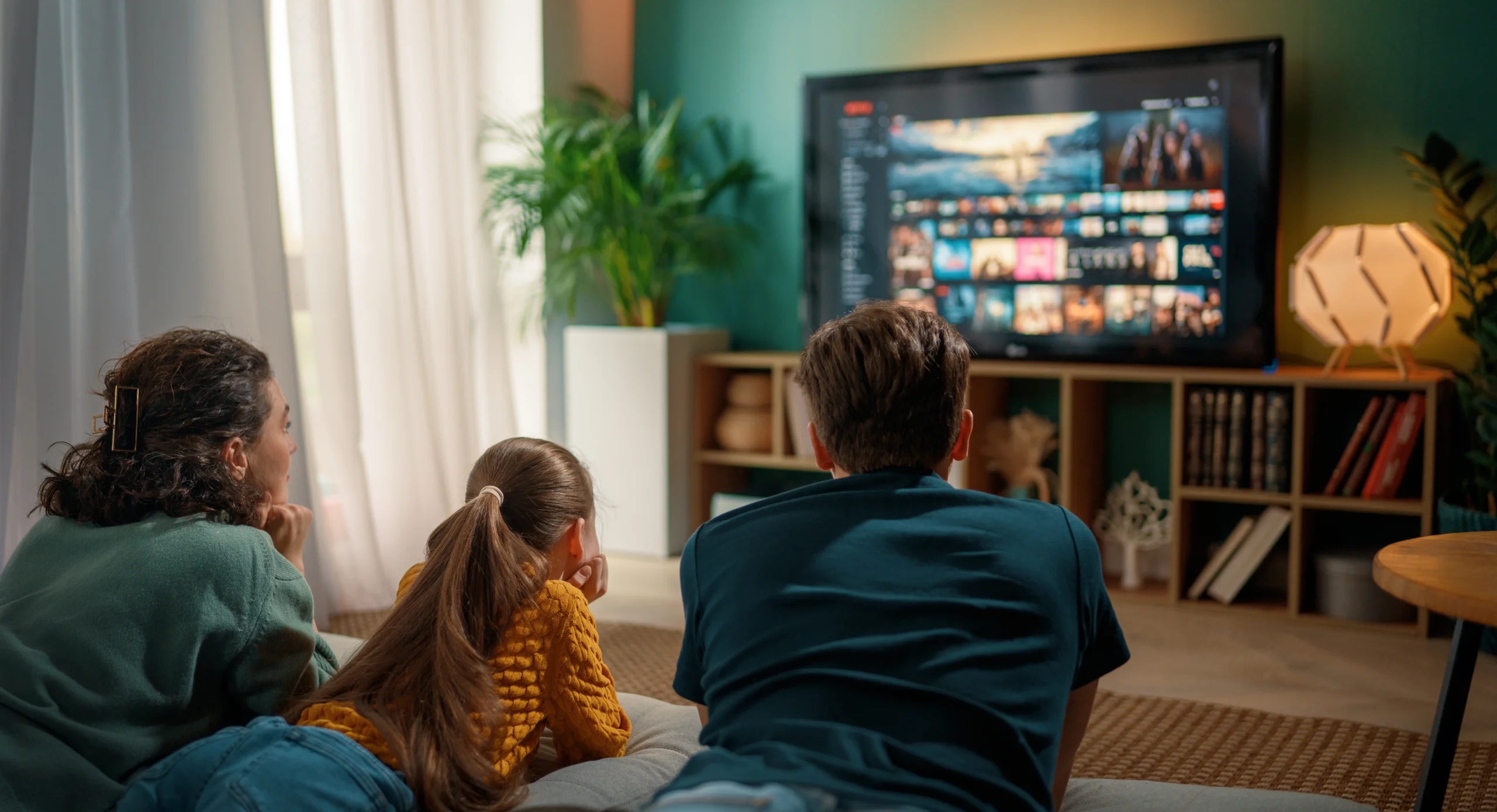
RESIDENTIAL
Connect what’s already there. Add what’s new.
Bring new and existing equipment into a professionally integrated home. Choose the connection type your devices require and connect them to your preferred compatible control system.
- Home theater: add network control to IR- or RS232-controlled AV equipment.
- Automation interfaces: connect compatible relay/contact closure inputs.
- Retrofit projects: install a compact Flex or iTach device near the equipment you want to control.

EDUCATION
Make space for learning.
Connect classroom, lecture hall, and campus AV equipment to your institution’s control environment. Keep compatible equipment in use while adding the network connections your integration requires.
- Classrooms: connect projectors, displays, and compatible source equipment.
- Lecture halls: support room-control commands from your chosen control system.
- Campus installations: choose dedicated control devices or modular hardware to fit each space.
START WITH THE CONNECTION
The right interface makes the difference.
Match the hardware to the control interface on your equipment, then choose Ethernet, WiFi, or a PoE-capable model where available. Use just one or use them all!
| Connection | Start with your equipment | Hardware to explore | Next step |
|---|---|---|---|
| Infrared (IR) | Equipment operated by an IR remote. | IR models in Global Connect, Flex with an IR Flex Link Cable, or iTach. | Explore product families → |
| RS232 serial | Equipment with a compatible serial control interface. | Global Connect serial modules, Flex with a matching serial cable, or iTach serial models. | Review published APIs → |
| RS485 serial | Equipment with an RS485 control interface. | Pair a Flex device with the FLC-SL-485 Flex Link serial cable. | Explore Flex serial cables → |
| Relay / contact closure | Equipment that accepts compatible contact closure control. | Global Connect relay modules, Flex with the FLC-RS cable, or iTach contact closure models. | Review hardware options → |
| HDMI switching | Switching between three HDMI sources and one output. | The Global Connect HDMI 3:1 module in a configured Global Connect device. | Explore the HDMI module → |
Flex devices require a Flex Link Cable, sold separately. GC-100 adapters also combine multiple control interfaces; review individual models for available connections.
Plan the integration before you order.
Check the equipment
Identify the control interface, connector, command set, and electrical requirements of each device.
Choose the hardware
Select the product families, network connections, and required cables or modules for your installation.
Confirm the control software
Review API support and compatible drivers, then plan how commands and supported feedback will be handled.
Does Global Caché replace my control software?
Global Caché provides connectivity hardware. Your compatible control software or controller sends commands through the network using published APIs or supported drivers.
Can I keep existing equipment?
Often, yes—when the equipment has a supported IR, serial, or contact closure interface and a usable command set. Check compatibility and device specifications before selecting hardware.
Where can I get help with a configuration?
Use Go Configure to build a Global Connect configuration, visit Docs & Downloads for specifications, or contact technical support for help with your integration.
YOUR NEXT INSTALLATION
Tell us what you need to connect.
Share the equipment, control system, and network requirements for your project. We’ll help you find the right next step.