
GLOBAL CACHÉ / PRODUCT FAMILY
Global Connect
Your system. Your configuration.
Modular connectivity built around the connections your project needs.
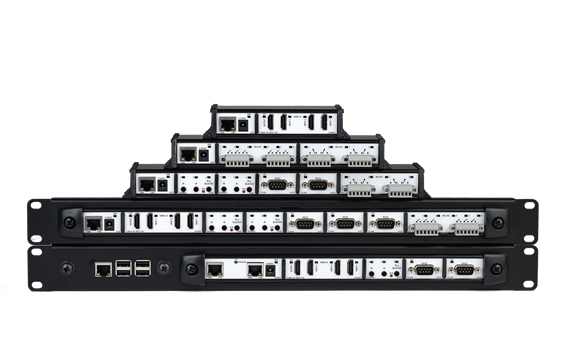
Modular I/O
Freestanding & rack mount
IR · RS232 · Relay · HDMI
MODULAR BY DESIGN
Configure the connections. Keep the control system.
Global Connect brings network connectivity to new and existing equipment. Combine the interfaces your installation requires, then integrate them with your preferred control software using published APIs.
Build around the project
Choose a freestanding or rack-mount chassis and a combination of network, IR, RS232, relay, and HDMI modules.
Connect your control system
Use open, published APIs and individual module configuration pages to integrate the hardware into your environment.
Plan the complete device
Use Go Configure to build a configuration, determine pricing, and share its image and specifications.
GLOBAL CONNECT • GO CONFIGURE
Your project. Your way.
Choose your chassis and modules, determine pricing, and download an image of your custom Global Connect.
START WITH YOUR ENCLOSURE
Choose the chassis that fits.
From a compact installation to a full equipment rack, select the format and capacity your configuration needs.
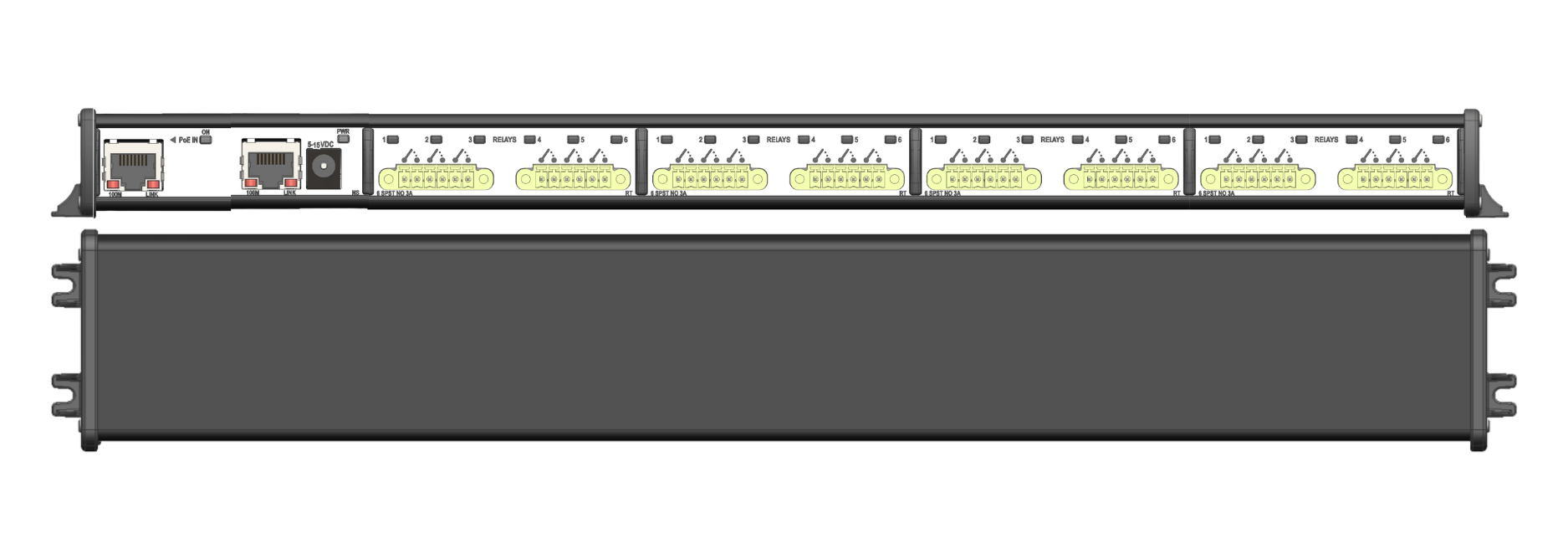
FLEXIBLE PLACEMENT
Freestanding
A compact enclosure with mounting side covers for installations outside a standard rack.
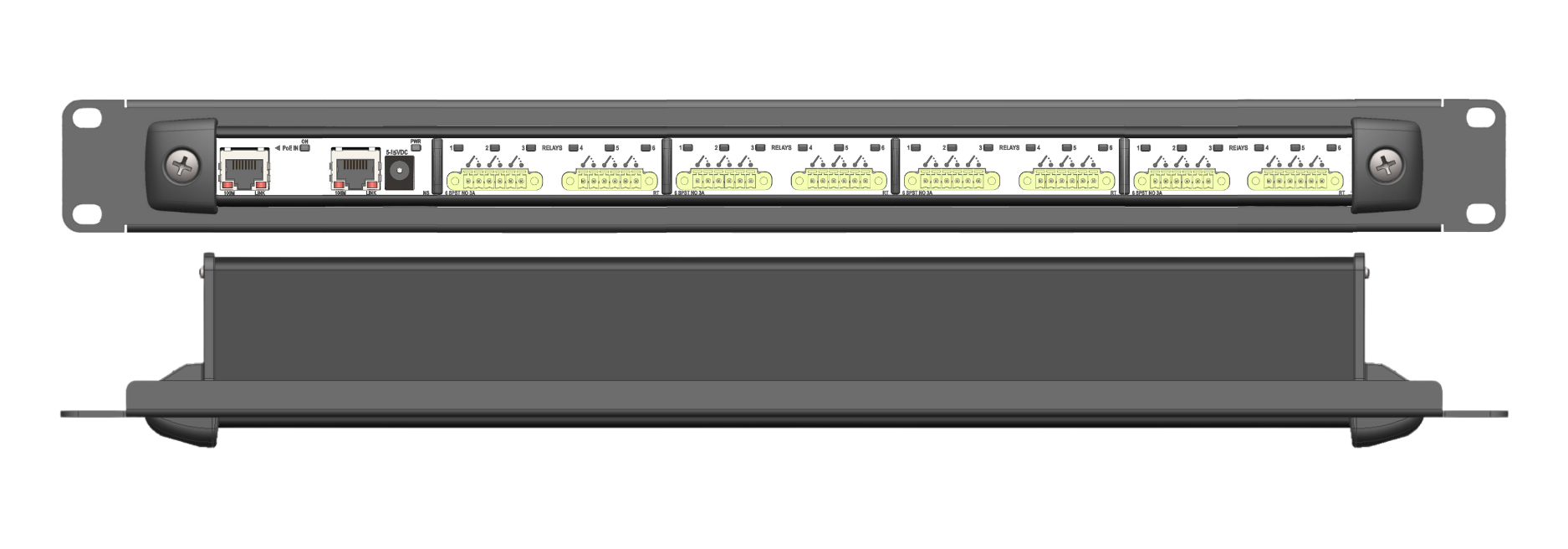
RACK INSTALLATIONS
Rack mount
A 19-inch, 1U enclosure with connections facing forward for accessible rack installations.
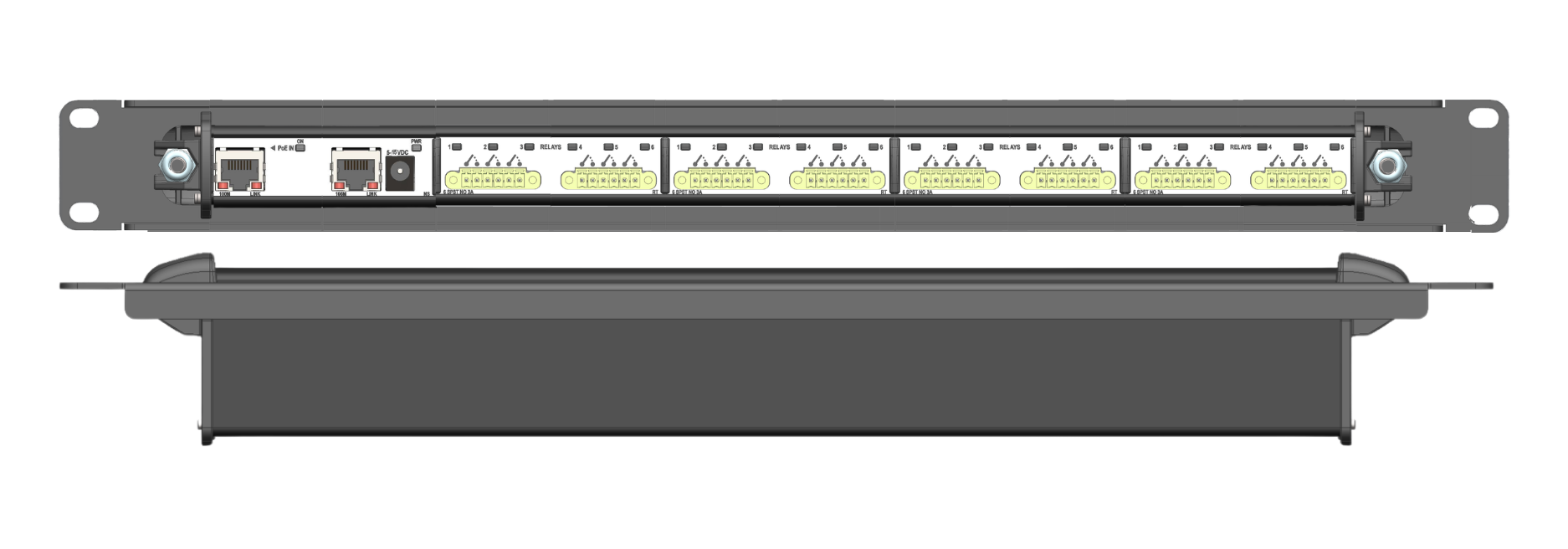
ALTERNATIVE ORIENTATION
Reversed rack mount
An alternative rack connection orientation. Review the enclosure details for your rack layout.
BUILD YOUR I/O
Choose what you need to connect.
Every configuration starts with a network/power module. Add the control and switching interfaces needed for your project.
| Module | Use it for | Next step |
|---|---|---|
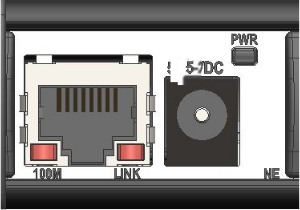 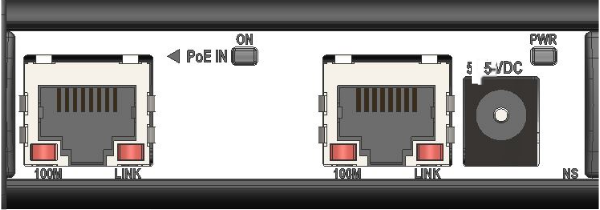 Network / power | Ethernet connectivity and power input; a two-port Ethernet switch/PoE option is available. | View details → |
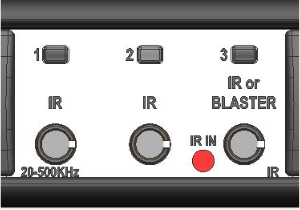 Infrared | IR control and configurable sensor inputs. | View details → |
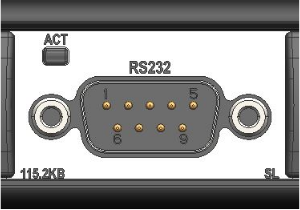 RS232 serial | Bidirectional communication with serial-controlled equipment. | View details → |
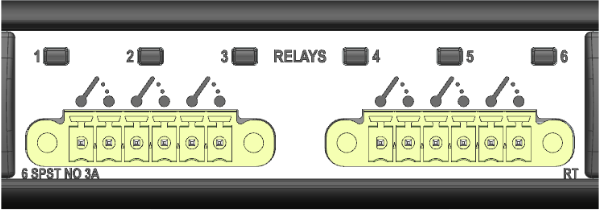 Relay / contact closure | Relay control for equipment using contact closure inputs. | View details → |
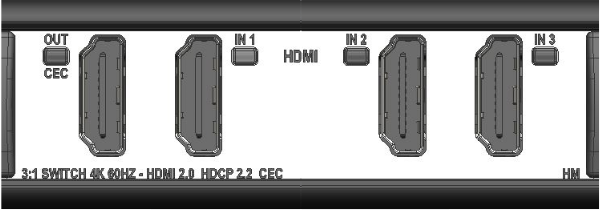 HDMI 3:1 | Network-controlled switching between three HDMI sources and one output. | View details → |
 Blank | Fill unused slots when required by the enclosure configuration. | View details → |
Global Connect is ordered as a configured device. Individual modules and enclosures are not sold separately.
BEFORE YOU CONFIGURE
A few helpful starting points.
Can Global Connect work with my control system?
Global Connect is designed around open systems and published APIs. Confirm that your control software supports the commands and interfaces your project needs. See the API library for integration references.
Where can I find chassis and module specifications?
The chassis and module specifications includes enclosure formats, module details, slot requirements, and specifications.
How do I share a configuration?
Go Configure lets you copy configuration details and download a device image to share with your distributor or purchasing representative.
SET UP. INTEGRATE. KEEP CONNECTED.
Resources for your installation.
Find documentation, setup tools, and help for your Global Connect project.
READY FOR YOUR NEXT INSTALLATION?
Build your Global Connect.
Choose your chassis and modules, review pricing, and download an image of your configuration.